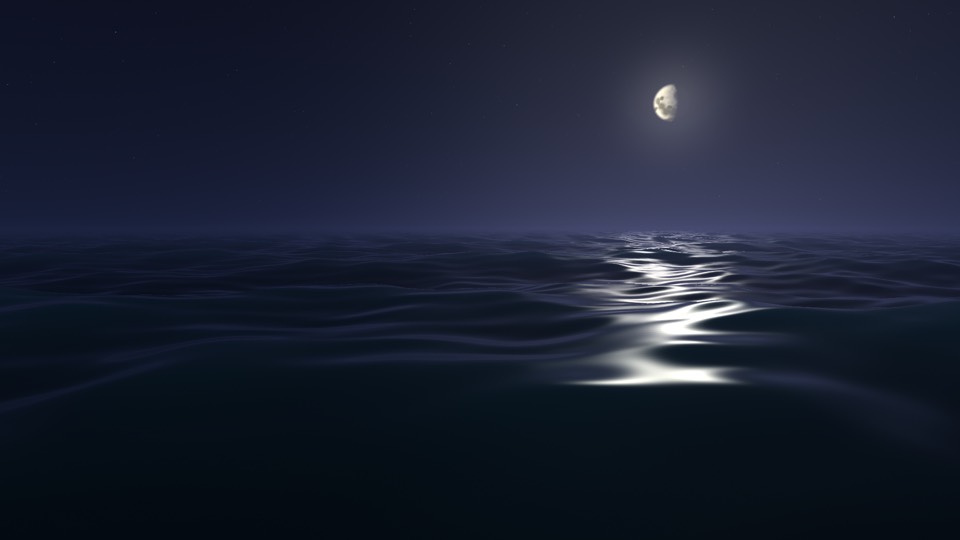
Earth
Open sea
Waves to the horizon. At dawn, by day, at sunset, in the blue hour, at night or on a silver sea; at night, with aurora or bioluminescence.
Mar de Tranquilidad is a voice-free guided breathing and meditation app for your phone, TV, computer and the web. When the wave rises, breathe in; when it falls, breathe out. The landscape sets the pace, on the sea, on Mars or among the rings of Saturn.
5 breathing patterns · 6 places in 3 worlds · sessions from 1 minute
On the App Store for Apple TV, iPhone, iPad and Mac, and on Google Play
This is the app, drawing itself live in your browser.
Most meditation apps are a voice over a pretty background. Here there's no voice: the landscape moves at a breathing pace and you follow it.
A mode, a length, a destination and a time of day. If you always use the same combination, save it as a ritual.
The wave rises, you breathe in. It falls, you breathe out, and it leaves foam. On Mars the dust breathes; in Saturn's rings, the ice. The sound ebbs and flows with you.
The session closes on a last out-breath, never in the middle of a hold.
Each destination is a real place with a name: its ground, its sky, its times of day and its sound. Tap «Watch it live» and the demo above takes you there. More on each world: what Mars is like and the rings of Saturn.
Waves to the horizon. At dawn, by day, at sunset, in the blue hour, at night or on a silver sea; at night, with aurora or bioluminescence.
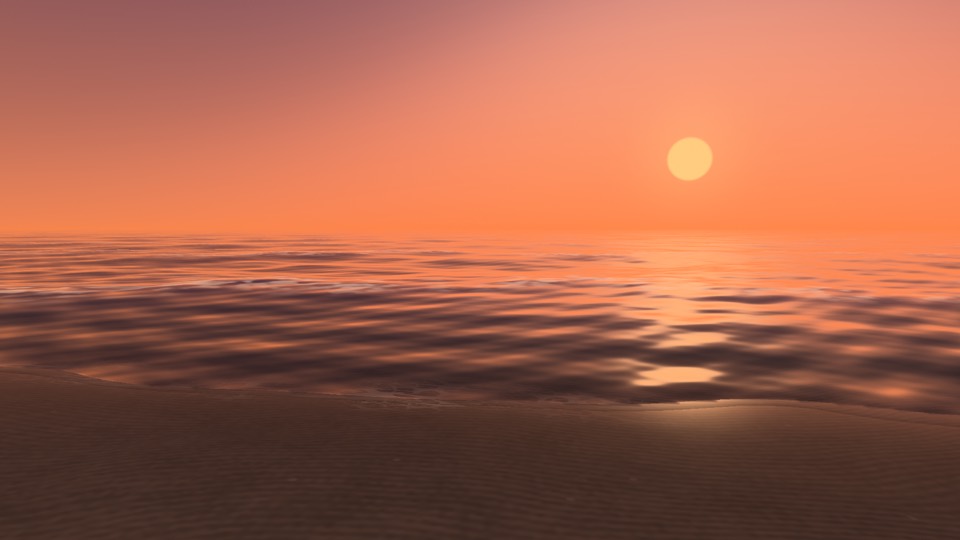
Sand and shoreline: as you breathe in, the water moves up the beach; as you breathe out, it pulls back and leaves foam.
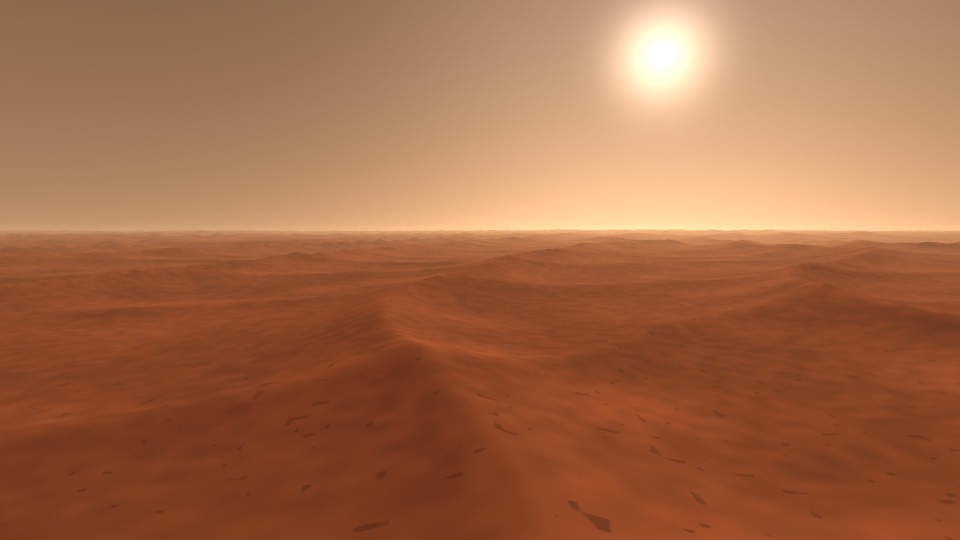
Dunes where there may once have been an ocean. Breathe in and the dust lifts; breathe out and it settles. At sunset, the Martian sun has its blue halo.
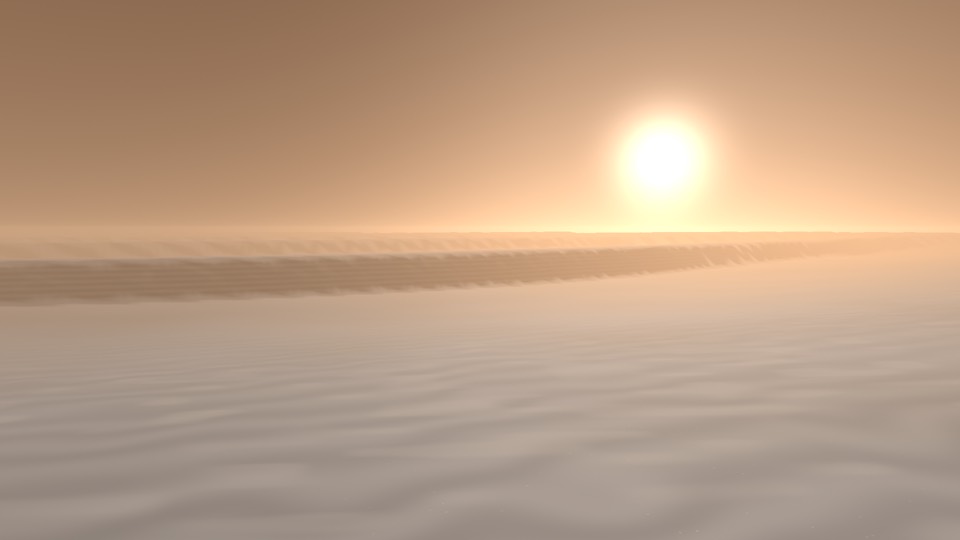
Planum Boreum: layered ice cut by spiral valleys. The frost breathes: an icy haze rises and the horizon fades.
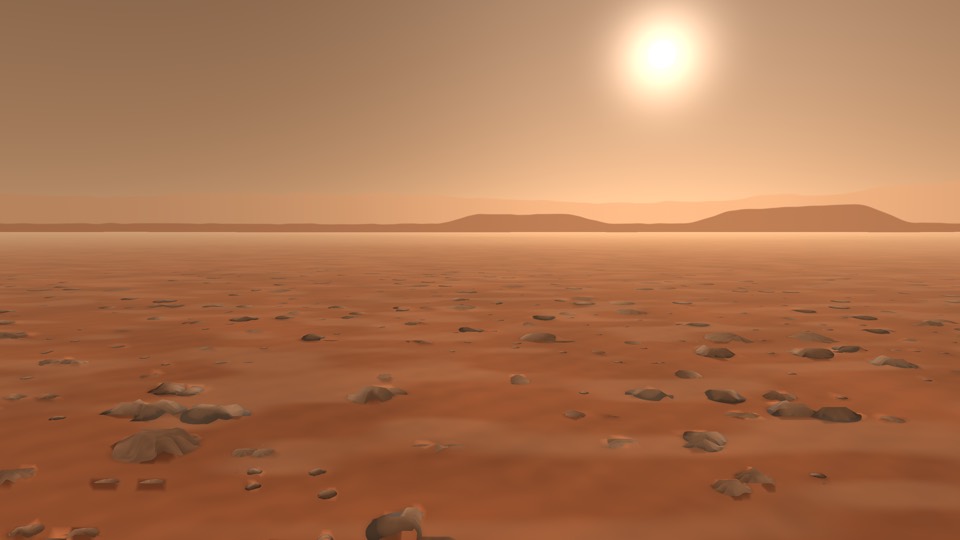
The crater that once held a lake: loose rocks, the delta and the rim in the distance. In the sky, Phobos and Deimos.
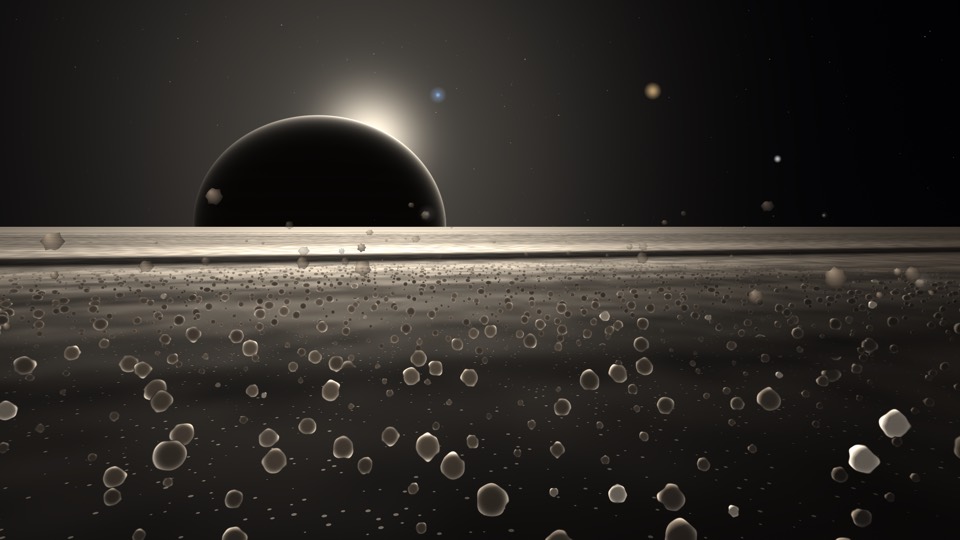
You float above the rings, in silence, among chunks of ice. Saturn on the horizon, Titan in the distance and the Earth backlit.
The same landscape, six ways to be in it. Each card says where you’ll find it.
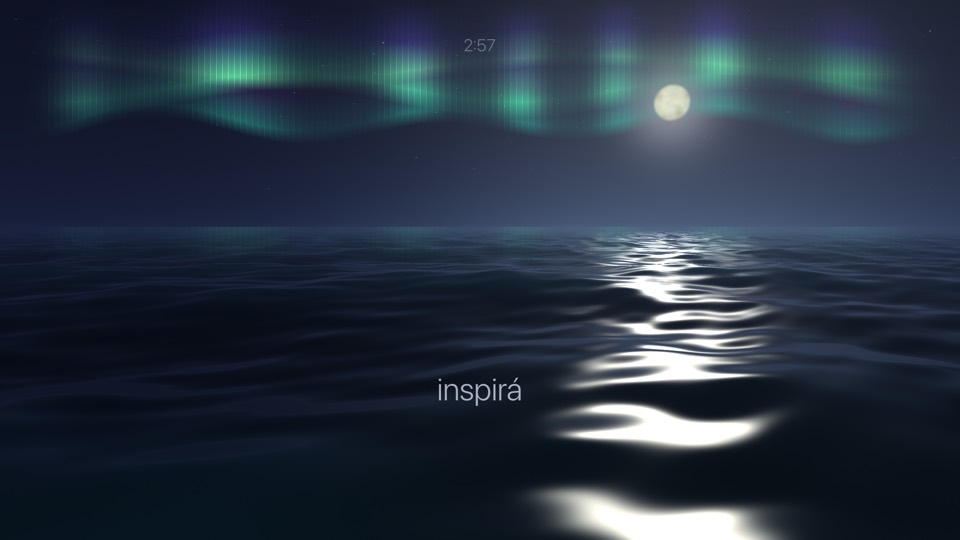
Sessions of 1, 3, 5 or 10 minutes, or no time limit. Five patterns, and when you pause you can change the pattern, destination or time of day without losing the beat.
On the web and in every app.
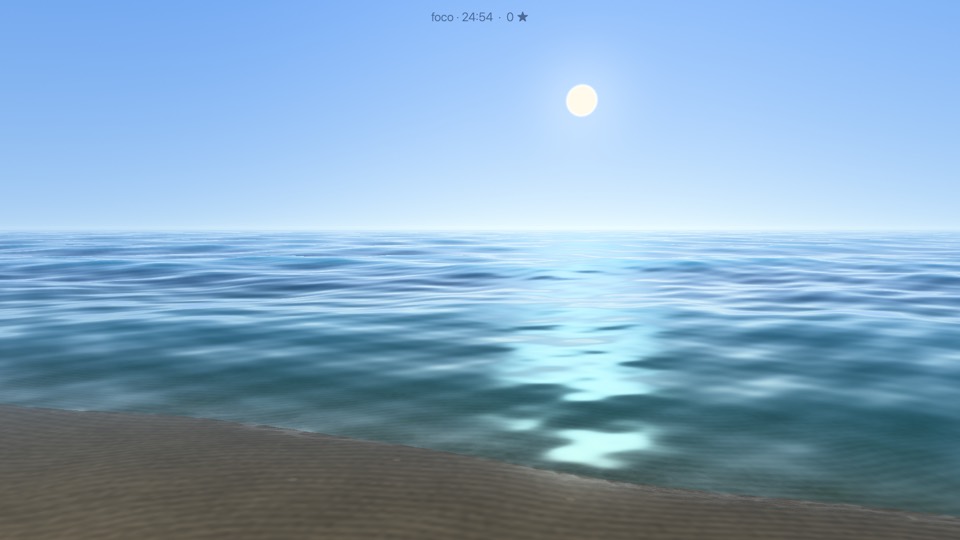
The landscape stays in the background while you work, even if you switch tabs. Each minute adds a star, and the session draws a constellation you can name. Stop early and a cloud drifts by. Similar to a pomodoro: 5 to 50 minutes, with a breathing break after the longer ones.
On the web, Android, iPhone, iPad and Mac.
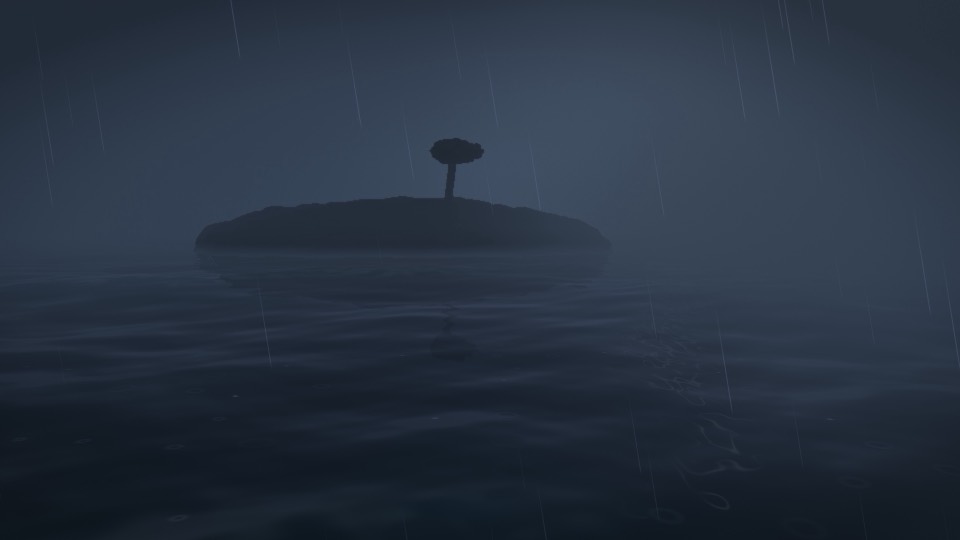
A boat moves slowly across the sea; on Mars you cross the dunes like a rover. At the end, you see how far you went. 3 to 20 minutes, or no time limit.
On the web and in every app.
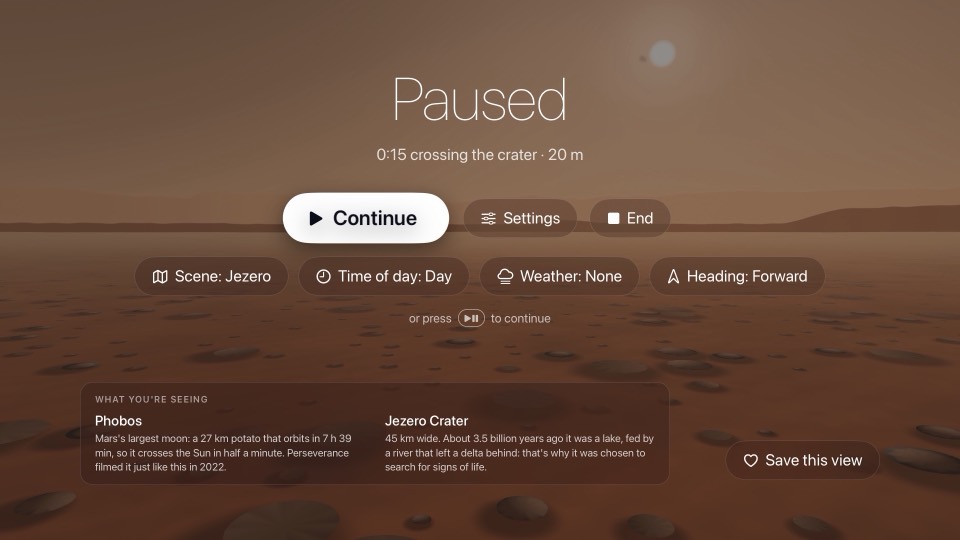
You sail on and something appears in the distance: a whale, dolphins, a sailboat or a shooting star; on Mars, Perseverance or Ingenuity; at Saturn, a comet. When you pause, it tells you what you’re looking at. Without Pro, one encounter per session.
On Apple TV, iPhone, iPad and Mac.
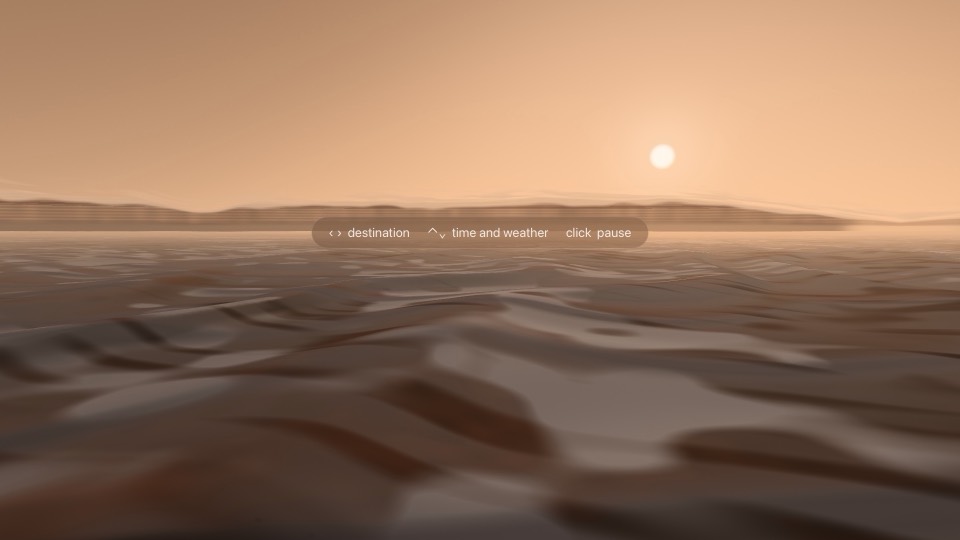
Move through the destinations and their times of day by swiping, or with the arrows on the TV remote. No timer, no guide: just look for a while or pick where to stay.
On Apple TV, iPhone, iPad and Mac.
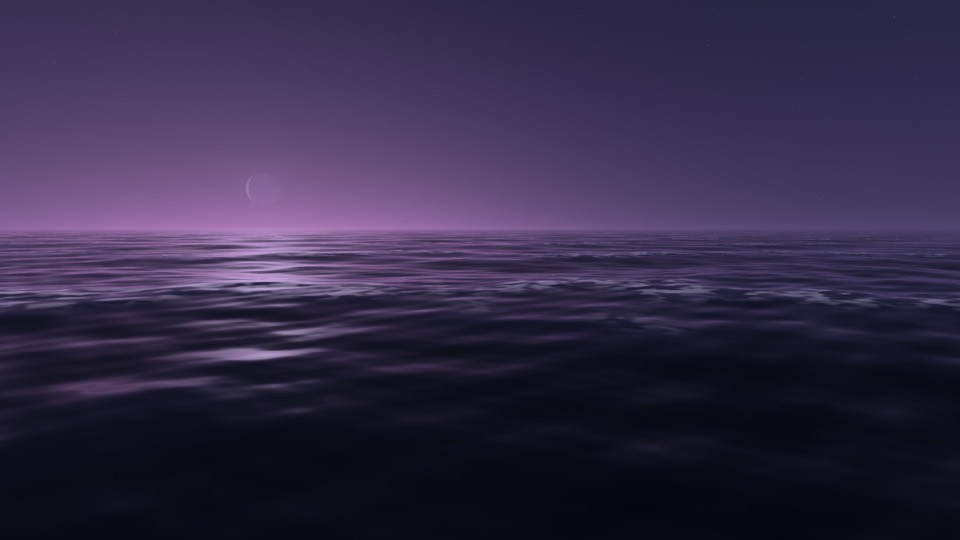
Pick 15, 30, 45 or 60 minutes: the waves calm down little by little, and at the end the picture and the sound fade out together, slowly. No bell, no summary screen.
On Apple TV, iPhone, iPad and Mac.
The moon in the sky has today's phase.
Waxing, full or waning according to the real date, and lit on the side you see from your hemisphere. No location needed: it comes from your device's date and time zone. It's only the phase: not where the moon is in your sky or when it rises.
The web version works in any browser, and the app is on the App Store for Apple TV, iPhone, iPad and Mac (one Pro purchase covers them all) and on Google Play for Android and Google TV. The rest are on their way.
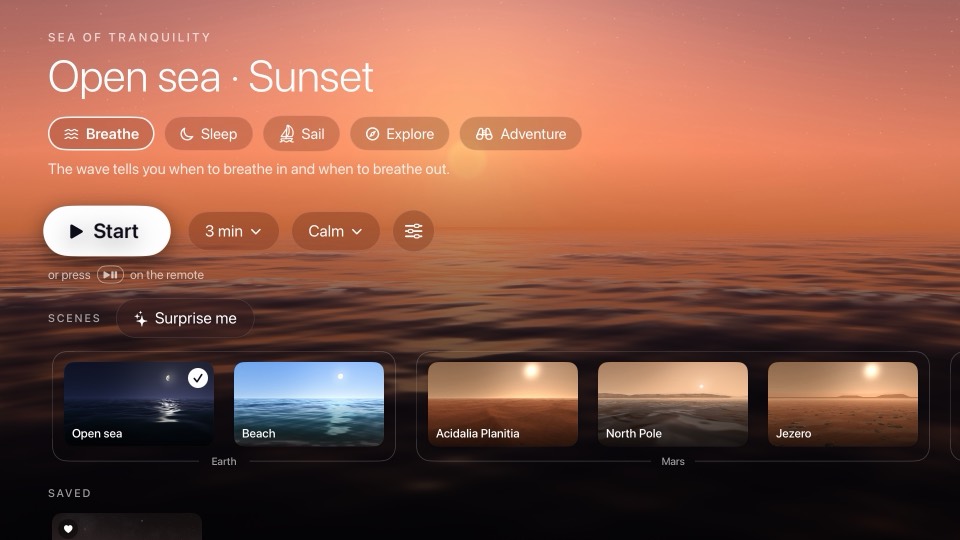
Breathe, Sail, Adventure, Explore and Sleep, with the remote. Free to download with Open sea and Beach; Mars and Saturn come with Pro, a one-time purchase, and you can try each destination for a minute first.
You download it from the TV: on your Apple TV, open the App Store and search for «Mar de Tranquilidad», the app's original name. It can't be installed from your phone or computer. More about the Apple TV app

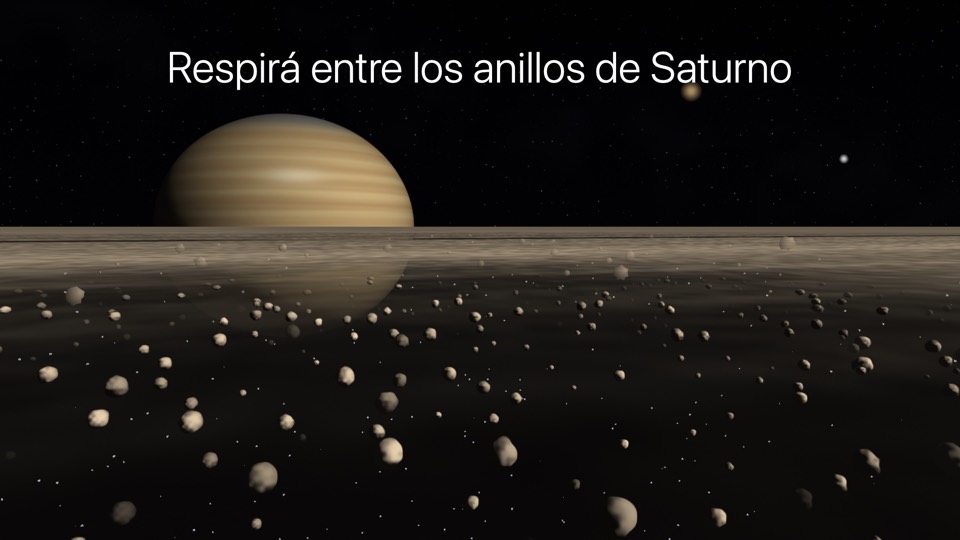
All six modes, by touch or keyboard. Free with Open sea and Beach; Pro (Mars and Saturn) is the same purchase as on the TV: if you already have it, it works here.
Search for «Mar de Tranquilidad» in the App Store on your iPhone, iPad or Mac.

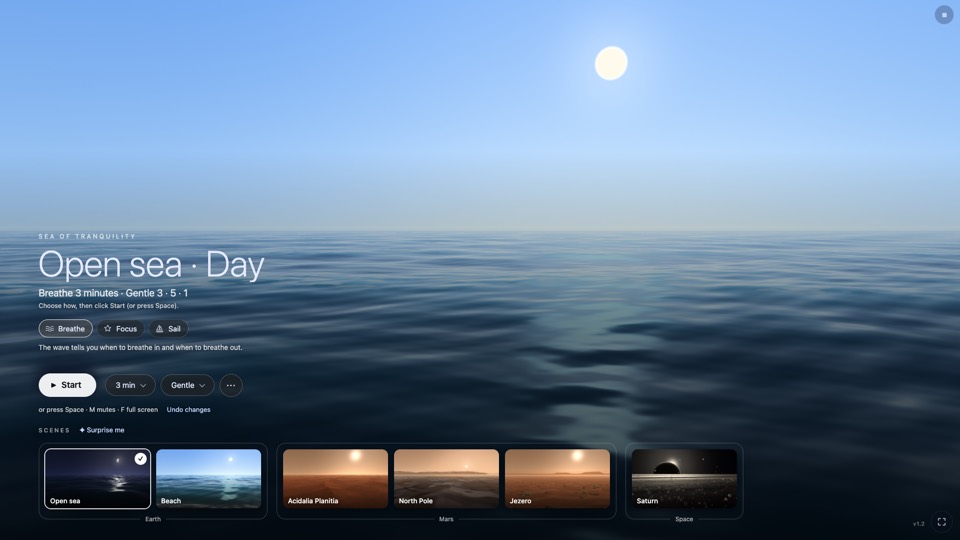
Breathe, Focus and Sail on your phone, tablet or Google TV / Android TV (with the remote). Free with Open sea and Beach; Pro (Mars and Saturn) is a one-time purchase on Google Play and works on your Android devices with the same Google account.
Search for «Sea of Tranquility» on Google Play.

Sea of Tranquility is coming to:
In the meantime, the web version works in any browser.
Nothing is recorded: the code draws the landscape and makes the sound in the moment, on your device.
No sign-up. Your minutes, streaks and constellations stay on your device, and on the web you can export them to move them elsewhere.
The web version installs like an app on your phone or computer and, once opened, works offline. Where the browser allows it, the screen stays on through the whole session.
No. Open the app and start. No sign-up, no login.
Six destinations in three worlds: Open sea and Beach on Earth; Acidalia Planitia, the North Pole and Jezero on Mars; and the rings of Saturn. Each one has its own times of day and its own light.
Yes. The web version opens in your device’s language, and you can change it under More settings › Language. The Apple TV app is in English and Spanish, and shows in English when your Apple TV is set to English. Its original name is Mar de Tranquilidad, and the breathing itself needs no words: you follow the wave.
Yes: it is on the App Store for Apple TV, iPhone, iPad and Mac (search for «Mar de Tranquilidad»; on Apple TV, from the TV’s App Store) and on Google Play for Android phones and tablets and for TVs with Google TV or Android TV (from the TV’s Play Store). Coming soon: Apple Watch, Fire TV and Windows. Meanwhile, the web version works in any browser.
Yes. The first time, it opens with a connection; after that you can install it and use it offline.
No, on purpose. The landscape is the guide; if you want, a soft caption tells you when to breathe in and out.
No. It's a tool to slow your breathing down and focus. It doesn't measure anything about your health and doesn't replace a professional.
After the Sea of Tranquility, the dark plain on the Moon where Apollo 11 landed in 1969. Its original name is Spanish, Mar de Tranquilidad. Here the sea is a different one: it breathes with you and helps you slow down.
Free to start; Mars and Saturn come with Pro. On Apple TV, download it from the TV’s App Store.
No install needed: try it on the web. Three minutes are enough to know if it works for you.